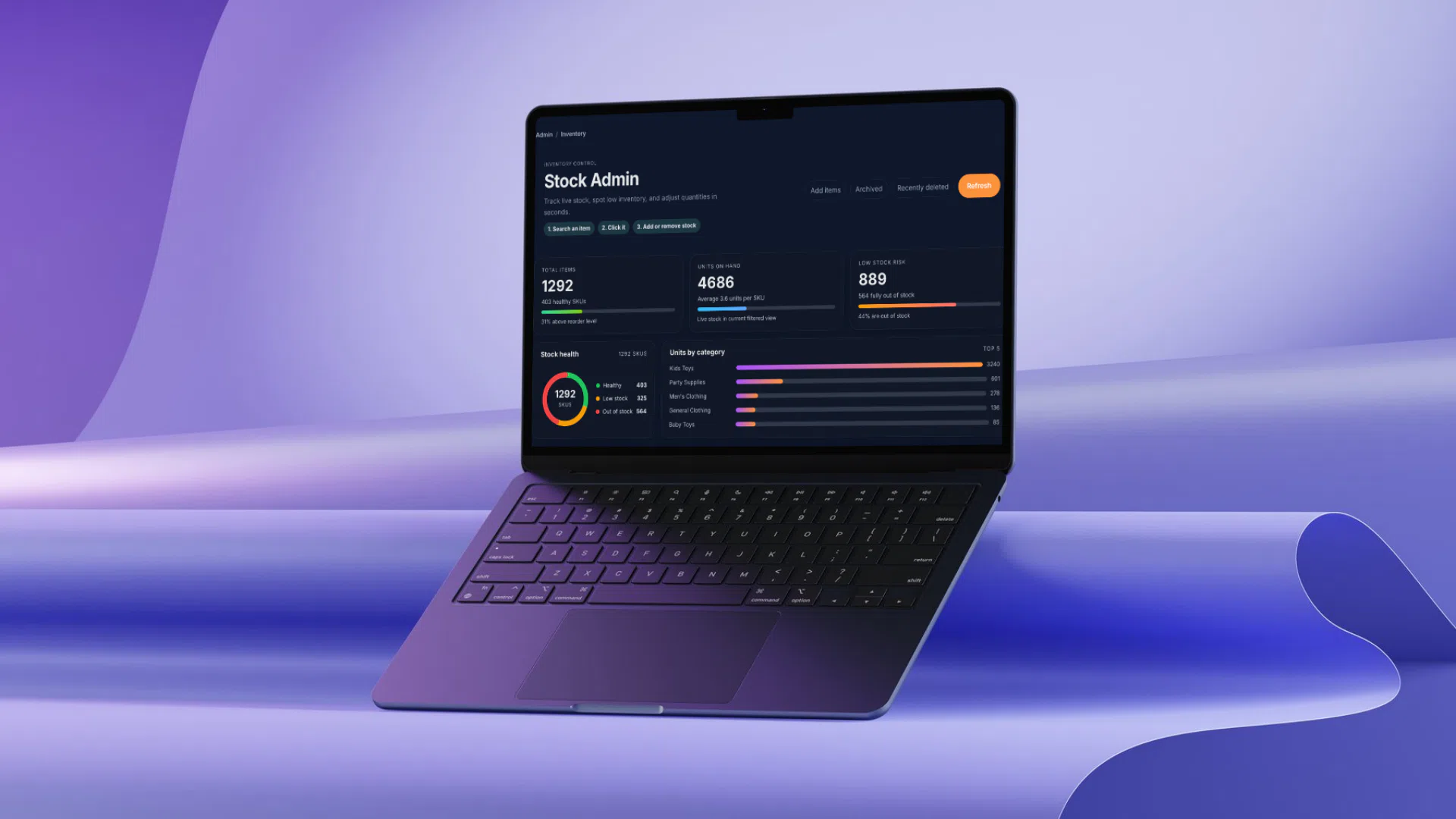
Odoo ERP Customization
- [Deliverables]
- ERP Workflow Customization
- [Stack]
- Python/ORM, QWeb/XML, Studio, Odoo.sh, GitHub
- [Role]
- ERP Systems Manager & Developer
- [Service]
- Automation + Odoo Development
[Overview]
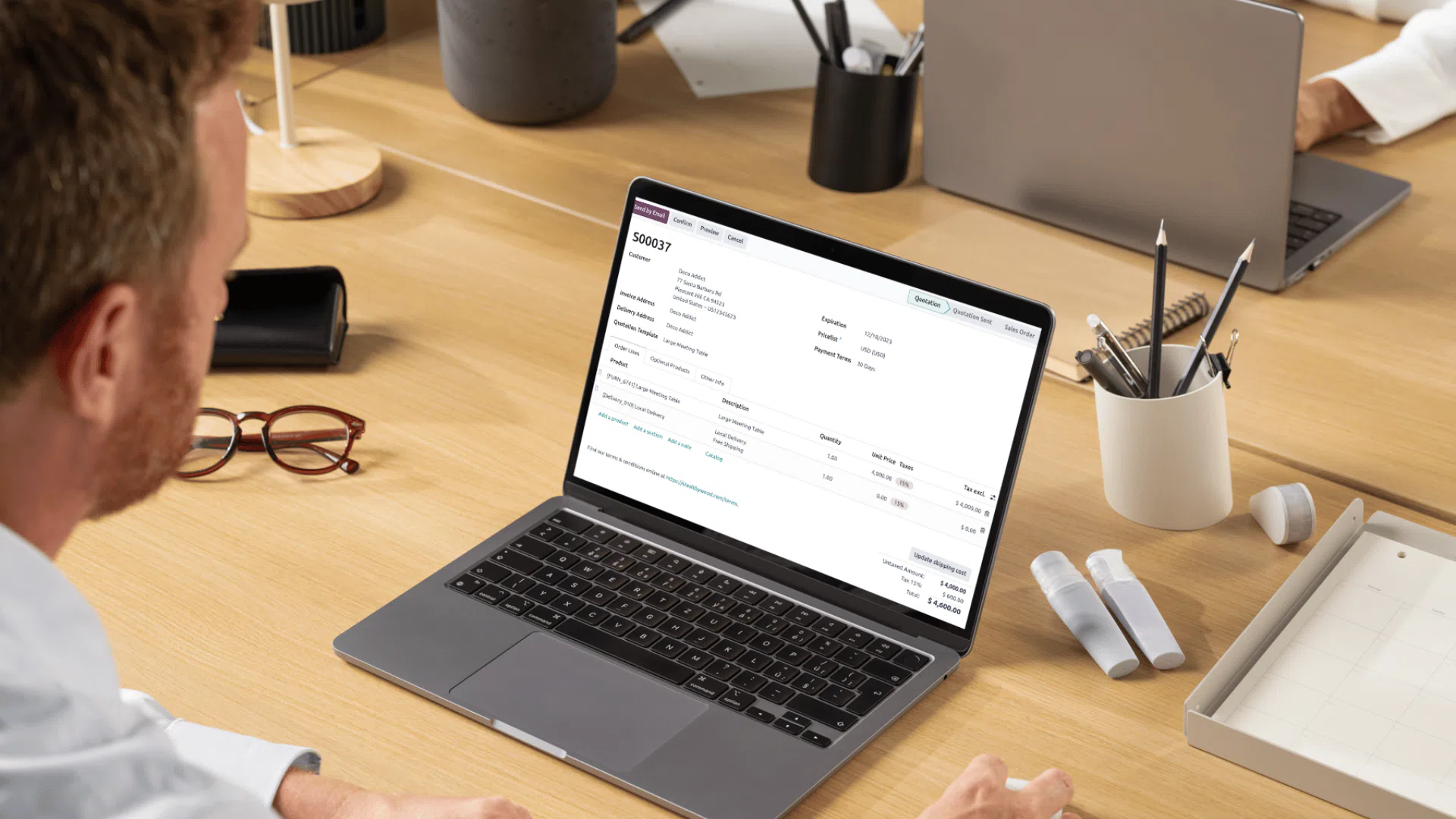
Cross-department Odoo delivery focused on safe automation, strong adoption, and clearer reporting across the delivery lifecycle.
Designed for Ops, Finance, Project leads, Sales, HR. Built around CRM to delivery to accounting workflows. Delivered with Python/ORM, QWeb/XML, Studio, Odoo.sh, GitHub.
[The Challenges]
#1
"Before automation, teams repeatedly re-entered the same records across CRM, project, and accounting workflows, creating unnecessary handoffs and introducing avoidable data errors."
#2
"Status updates and notifications were handled manually across departments, so follow-ups depended heavily on individual habits rather than consistent process rules."
#3
"Reporting required frequent cleanup because naming conventions, record ownership, and state transitions were not standardized between operations, sales, and finance."
[Discovery Phase]
Discovery started with a practical audit of Odoo ERP Customization, mapping how people were actually using the system before any redesign or implementation decisions were made.
I mapped core user groups (Ops, Finance, Project leads, Sales, HR) and traced their task paths. The initial scope focused on CRM to delivery to accounting workflows. Before automation, teams repeatedly re-entered the same records across CRM, project, and accounting workflows, creating unnecessary handoffs and introducing avoidable data errors.
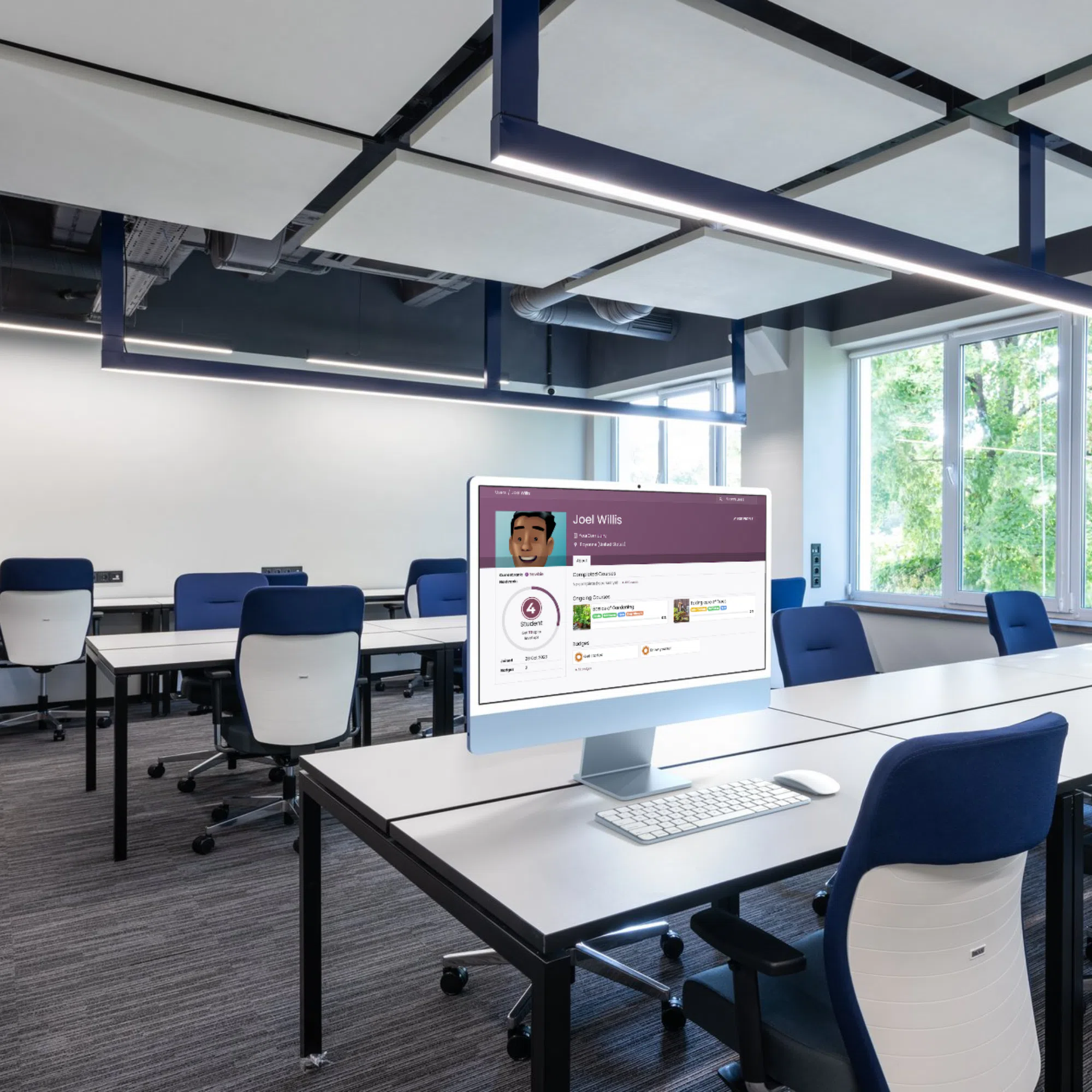
Design System Map
Patterns, states, and tokens working as one kit.
Component
ERP automation
Primary surface for high-priority actions
Interaction
Shared States
Default, active, warning, and empty states
Token
Python + ORM
Spacing, type scale, and alignment rhythm
Built By Design
Shared rules keep new screens aligned.
System
Automation + Odoo Development
Consistent rules applied across modules
Scale
Reusable Patterns
Built for iterative expansion without rework
[Design System]
For Odoo ERP Customization, I defined a reusable design system that aligned layout, component behavior, and content hierarchy across every major user flow.
Patterns were shaped around real user groups (Ops, Finance, Project leads, Sales, HR) so screens stayed consistent while still supporting different operational tasks.
Using Python/ORM, QWeb/XML, Studio, Odoo.sh, GitHub, I created modular UI building blocks and predictable state rules, so new pages could be launched faster without introducing visual drift.
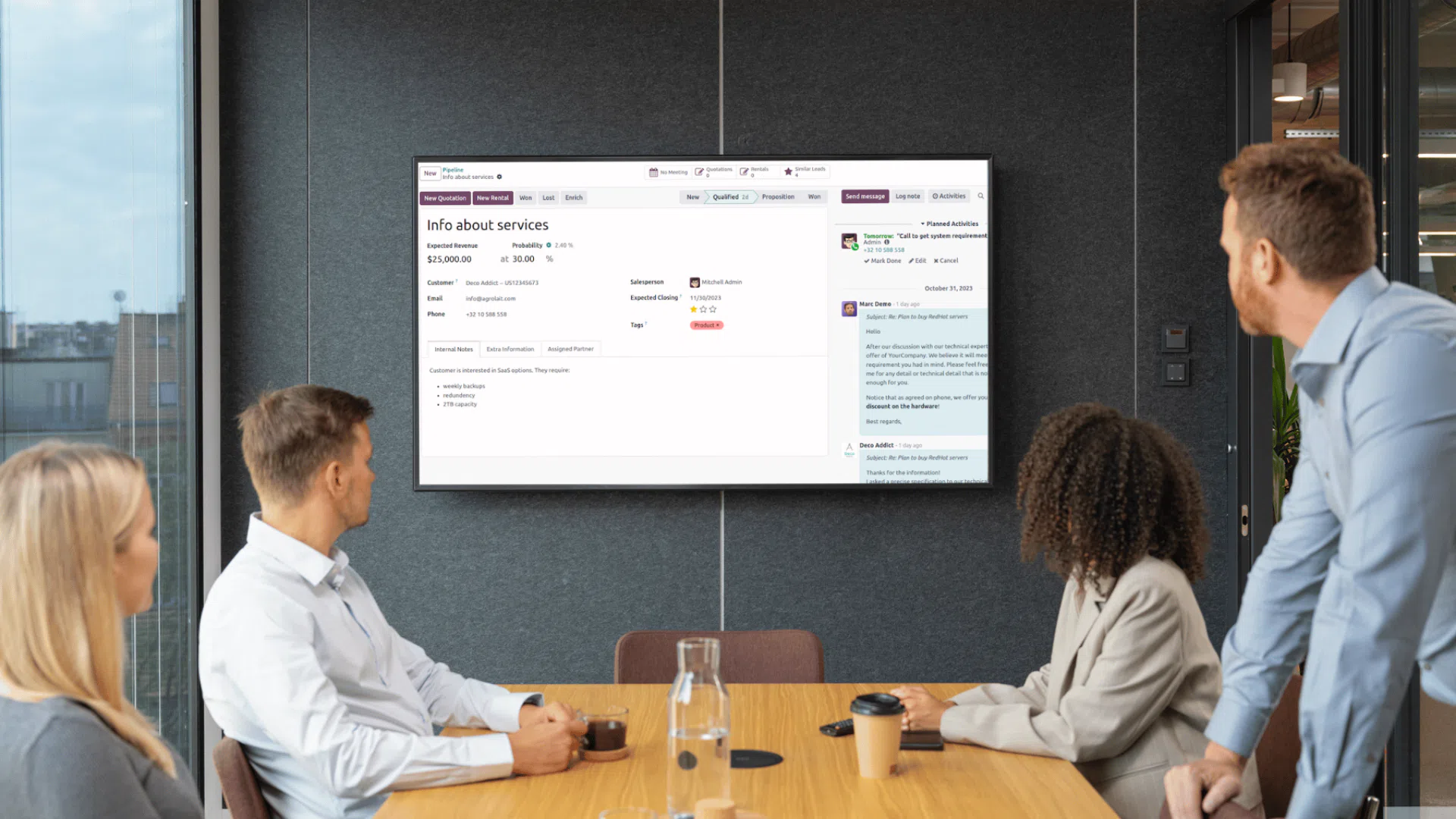
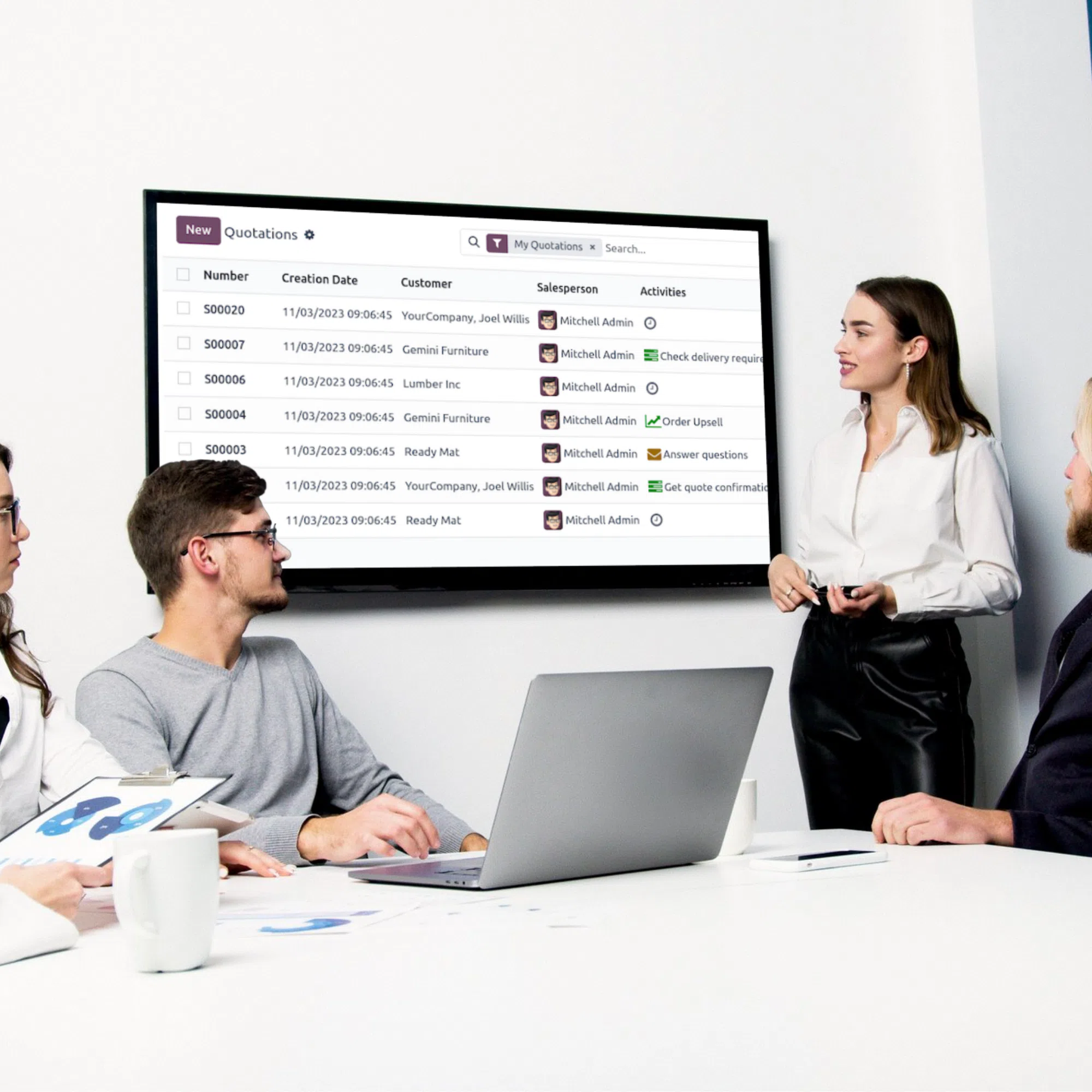
[01] Delivery Constraints
Delivery Constraints
- High-stakes workflows required safe, reversible, audit-friendly changes.
- Mixed user comfort levels across power and occasional users.
- Data consistency issues around naming and state ownership.
- Adoption risk required docs and training to ship with features.
[02] Approach
Approach
Discovery
Interviews, workflow mapping, and data audits.
Build
Python logic, QWeb/XML views, and Studio configuration in sprints.
Enable
Staged QA on Odoo.sh, training, docs, and adoption tracking.
[03] Workflow Shift
Workflow Shift
Before
- Manual handoffs across sales, projects, and finance
- Inconsistent project naming and identifiers
- Duplicate or missed notifications
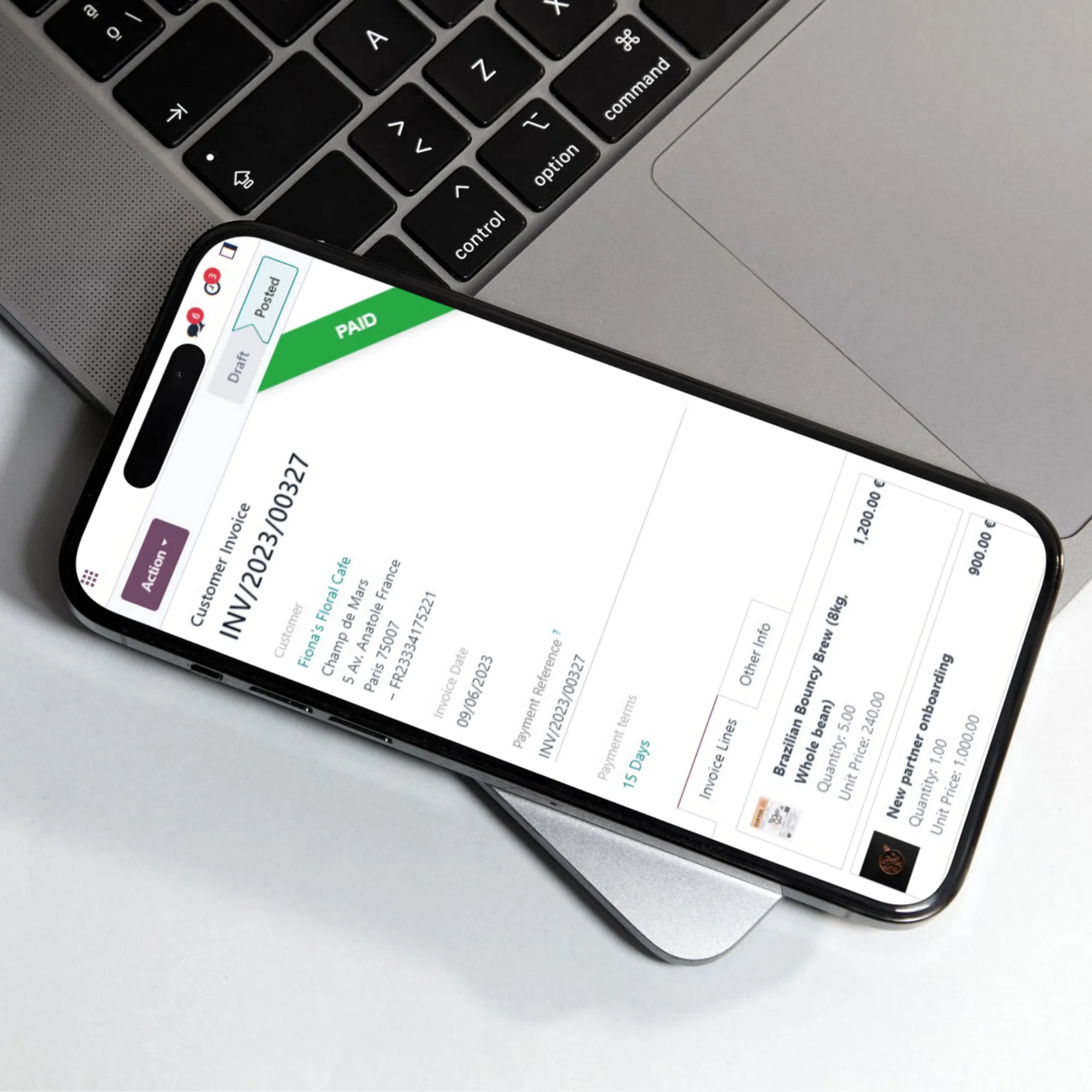
- Invoice states checked manually
After
- Automated CRM → Project → Accounting transitions
- Standardized project IDs and naming
- Deduplicated notifications with fallbacks
- Automated invoice status alerts
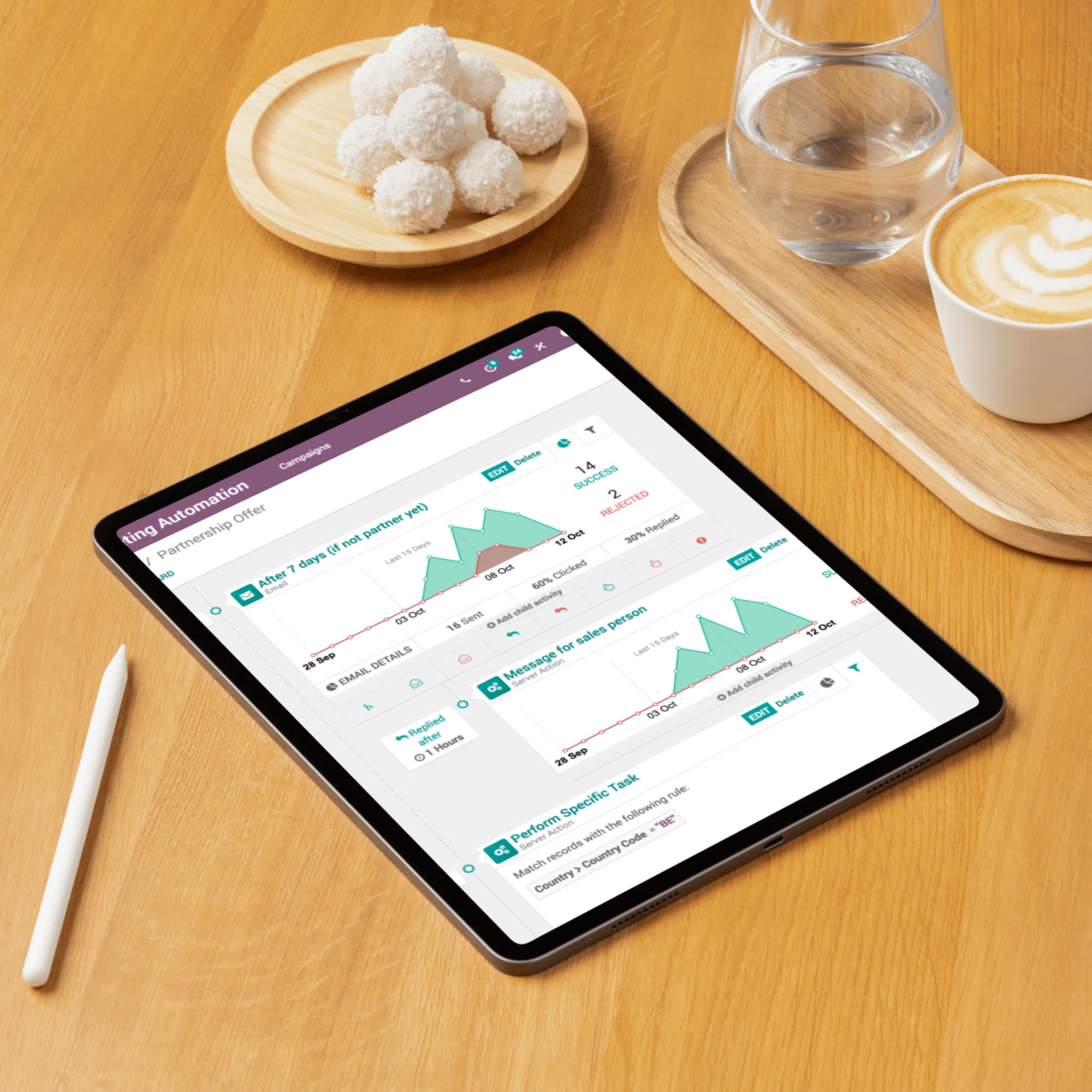
[04] Automation Highlights
Automation Highlights
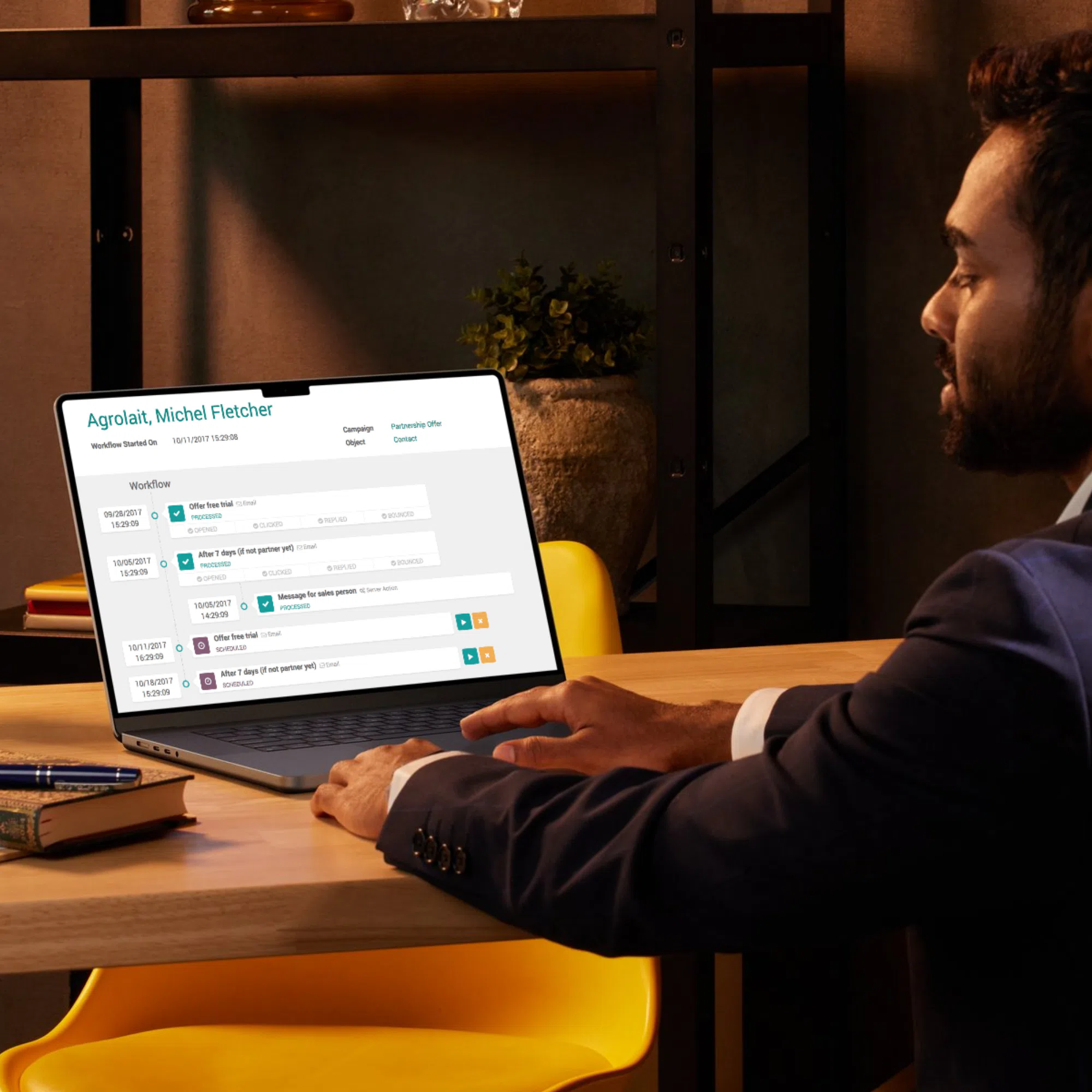
Email deduplication
Grouped recipients and added team-level fallbacks to reduce noise and misses.
Invoice status alerts
Template-driven payment-state notifications for finance without manual checks.
Project numbering
Auto-generated IDs/names for cleaner reporting and traceability.
Kids Party Shop + Rental Portal ERP